Private AI that runs on your iPhone.

For iPhone 15 Pro or later.
Can it make pictures?
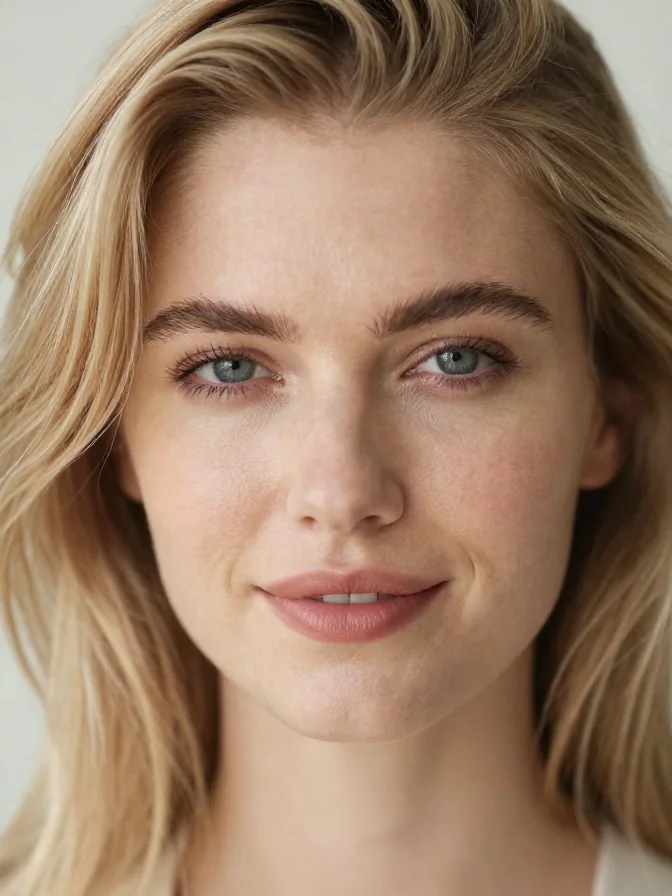
Yes, on the phone itself. Describe a person, a place or a moment in your own words, and Oasis makes the picture on your iPhone.
Both of these were made by Oasis on an iPhone, from the words under them.

Can it change a picture?
Add a photo, or tap one Oasis made, and say what to change. Oasis shows the before and after, and you can keep changing either one.


With Oasis Pro you can also sharpen a picture to four times its size, or remove its background.
Can it write something I can use?
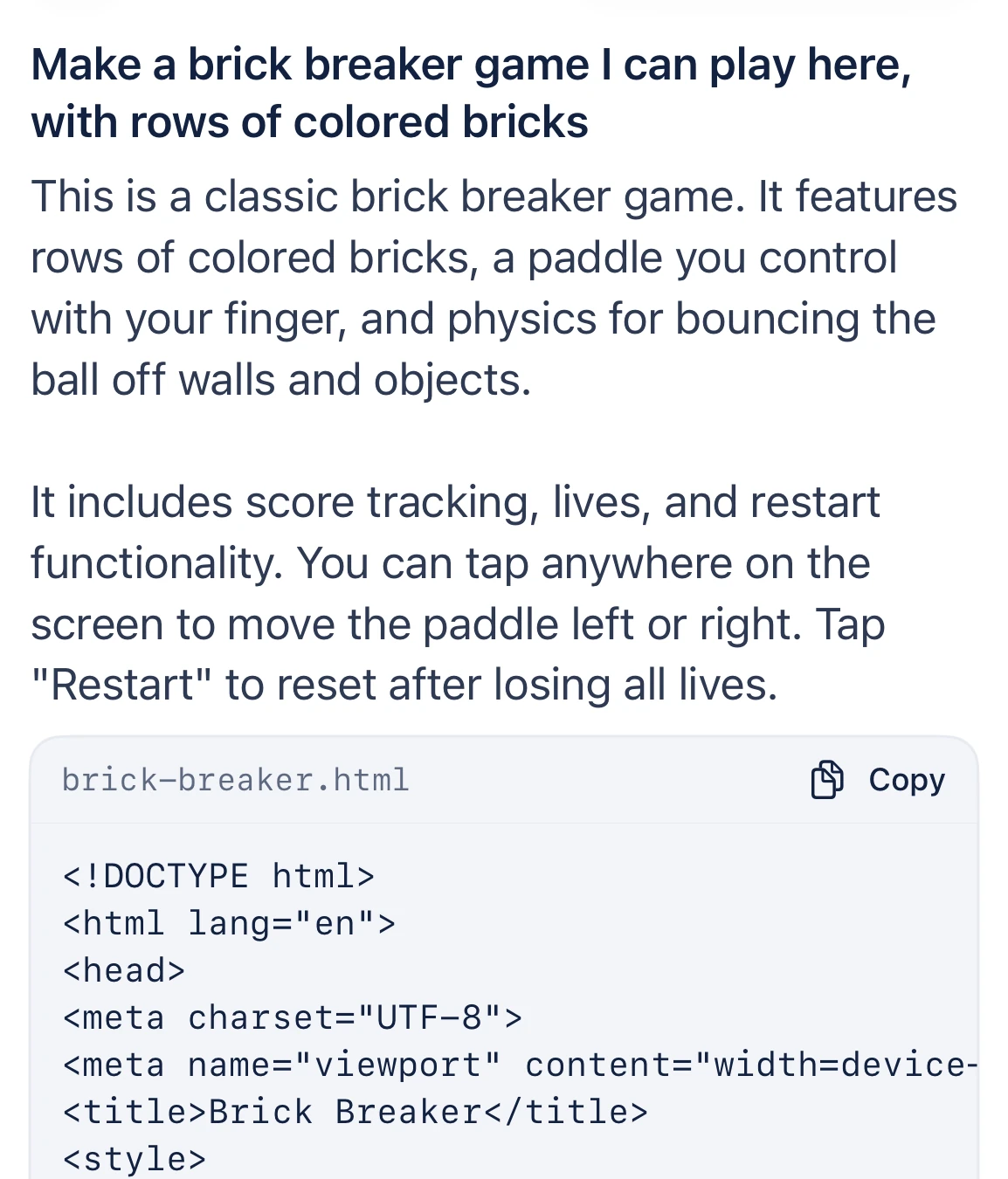
Ask for a game, a calculator or a tool. The assistant writes the code, and Run Code opens it right in Oasis so you can use it on the spot. Share sends the code file to anyone.
What can I ask it?
Ask in plain words and get plain answers. It can also work with what's on your phone:
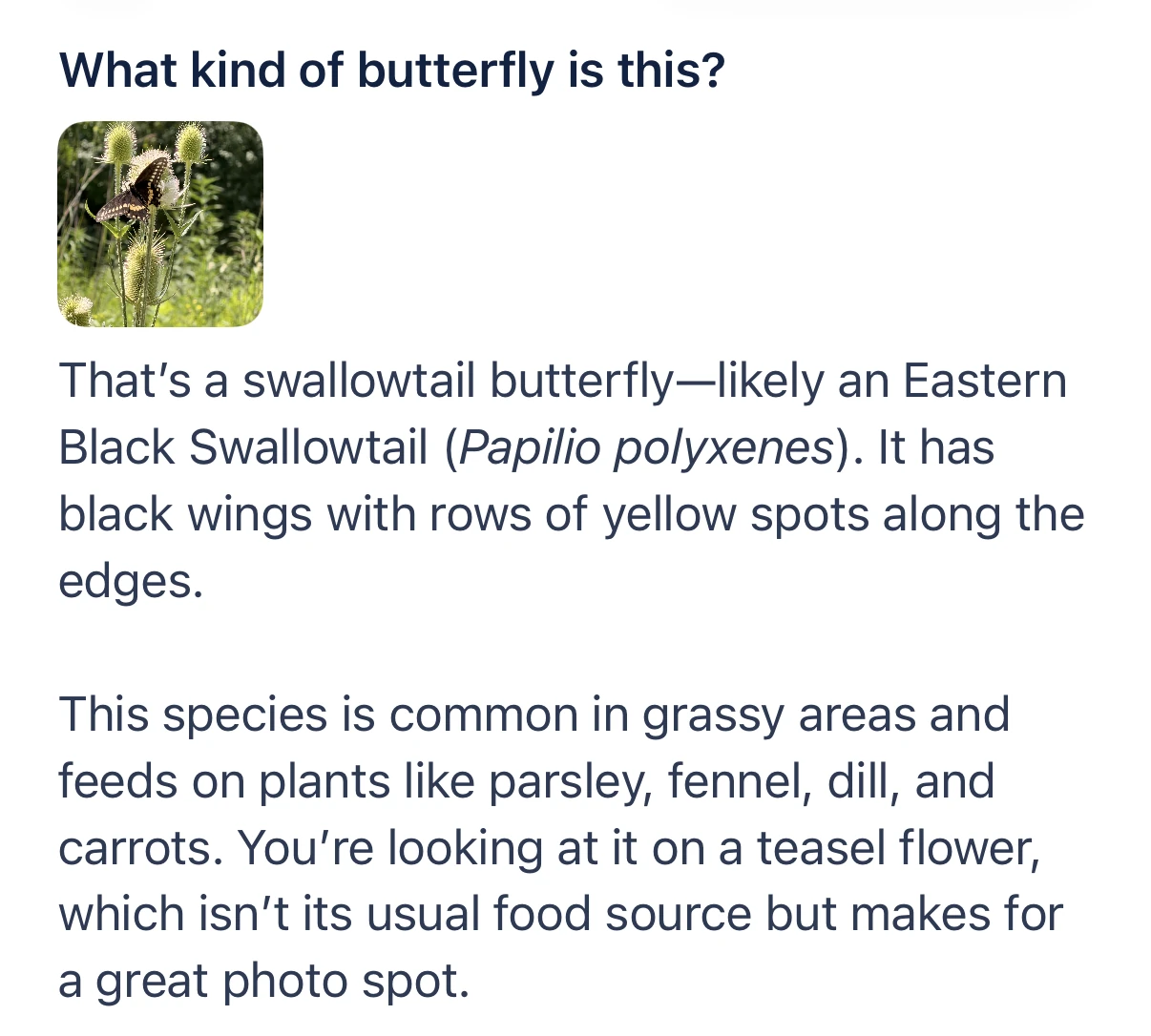
- Show it a photo, a PDF or a link and ask about it.
- Hold the talk button to speak, and hear the answer read aloud.
- Record a meeting or a class and get a summary.
- Ask it to remember something. You can see and change what it remembers in Settings.
- Add the reminders and calendar events it suggests, each with your tap.
Where does the AI run?
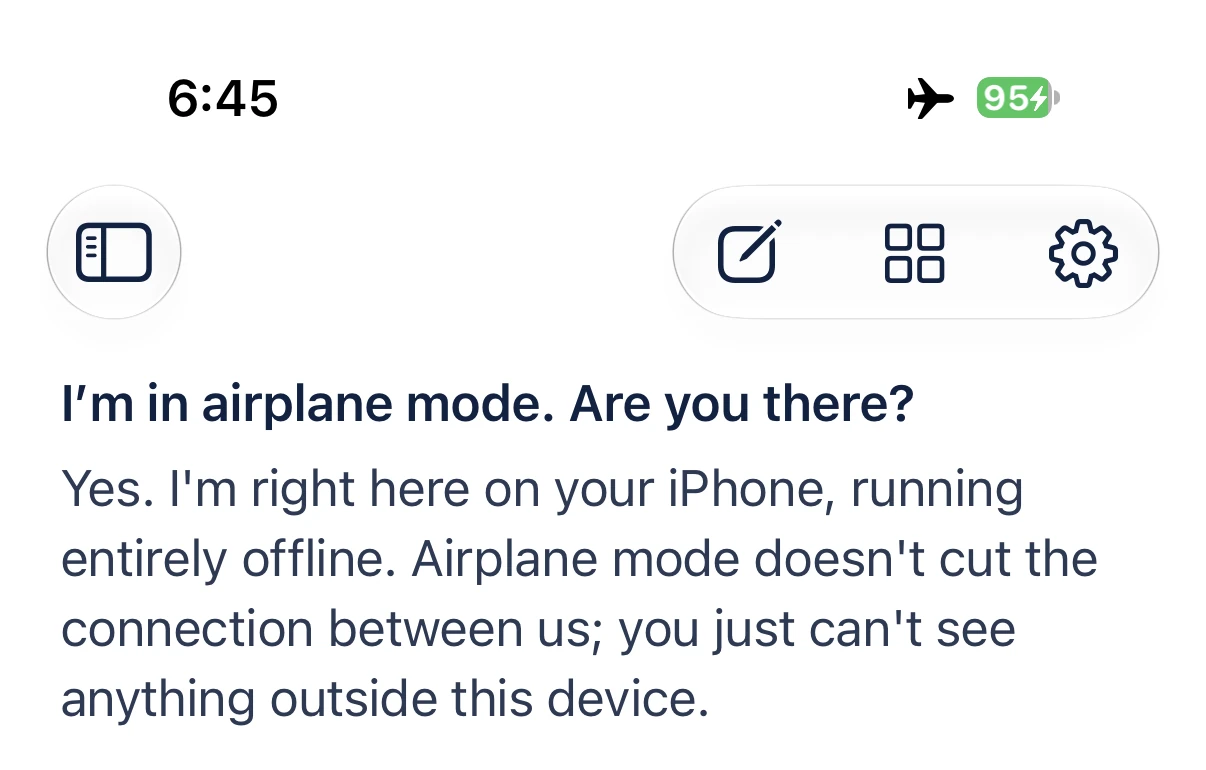
On your iPhone. Your questions are answered and your pictures are made on the phone, not on a company's server. There's no account to create, and once the models are downloaded, Oasis works without a connection.
Some things do use the internet, and the privacy policy lists each one. The main ones:
- Downloading the models, once, during setup.
- Web search, which is off until you turn it on. Oasis asks before each search and sends only the search words.
- Places near you, through Apple Maps, after you allow your location.
- A link you paste, so the assistant can read the page.
Will it work on my iPhone?
Oasis needs iPhone 15 Pro or later, with iOS 27.
- Making and changing pictures needs an iPhone with 12 GB of RAM, such as iPhone 17 Pro or iPhone Air. On other iPhones, Oasis is only the assistant.
- Setup downloads the models once and shows each size first. The assistant is about 6.8 GB on iPhones with 12 GB of RAM and about 3.5 GB on others. Wi-Fi is best.
What does Oasis Pro add?
Pictures. The assistant and everything it does come with the app, and you can make or change five pictures to try it. Oasis Pro, a one-time in-app purchase, makes pictures and changes unlimited and adds Sharpen and Remove Background. There's no subscription.
Oasis Pro is offered on iPhones that make pictures.